
Quick Answer
The best recruiting tools in 2026 span 10 core categories: ATS, candidate CRM, AI sourcing, skills assessment, video interviewing, job distribution, SMS communication, career site, remote hiring, and analytics. Most TA teams need 7–12 tools. The real question isn't which individual tool is best — it's whether your stack actually works together.
Most talent acquisition teams run 7 to 12 different tools on any given hire. That's 7 to 12 logins, 7 to 12 data silos, and 7 to 12 places for things to fall through the cracks.
The best recruiting tools don't add to that stack. They replace parts of it.
This guide covers the 10 tool categories every TA team needs in 2026 — what each does, what to look for when choosing, and where most teams go wrong. I'll also cover two things most comparable guides miss: how to build your stack based on your team size, and the four mistakes that quietly kill tool adoption.
TL;DR — Key Takeaways
| Category | Best For |
|---|---|
| Applicant Tracking System (ATS) | Full pipeline management, structured hiring |
| Candidate CRM | Talent pool, relationship tracking, silver medalists |
| AI Sourcing Tools | Passive candidate discovery at scale |
| Recruitment Assessment Tools | Skills screening before interview time |
| Video Interviewing | High-volume async or live screening |
| Job Posting & Distribution | Multi-board reach from one workflow |
| SMS / Candidate Communication | Higher response rates than email |
| Career Site Software | Employer brand + inbound applications |
| Best Tools for Remote Recruitment | Structured virtual hiring across time zones |
| Analytics & Reporting | Time-to-hire, source quality, funnel conversion |
What Actually Makes a Recruiting Tool Worth Using?
Before the list — a quick filter. There are hundreds of recruiting tools. Most of them solve a problem that isn't your problem. Before adding anything to your stack, ask four questions:
- 1
Does it integrate with what you already use?
AI that lives outside your workflow is just another tab. You feed it data, it answers, you copy the result, you paste it somewhere else. That's a smarter process — not a transformation.
- 2
Does it have a measurable impact on a metric you care about?
Time-to-hire. Cost-per-hire. Pipeline conversion. Quality of hire. If you can't measure it, you can't manage it.
- 3
Will your team actually use it?
The fanciest ATS in the world is worthless at 30% adoption. Demo-to-reality gap is real.
- 4
Who owns it?
Someone on your team needs to own every tool — setup, maintenance, integrations, troubleshooting. 'The vendor handles it' is not an answer.
The 10 Best Recruiting Tools by Category
Each category below includes what to look for, common pitfalls, and top picks — without the vendor-sponsored fluff.
1. Applicant Tracking System (ATS)
Best for: Managing every stage of the hiring pipeline
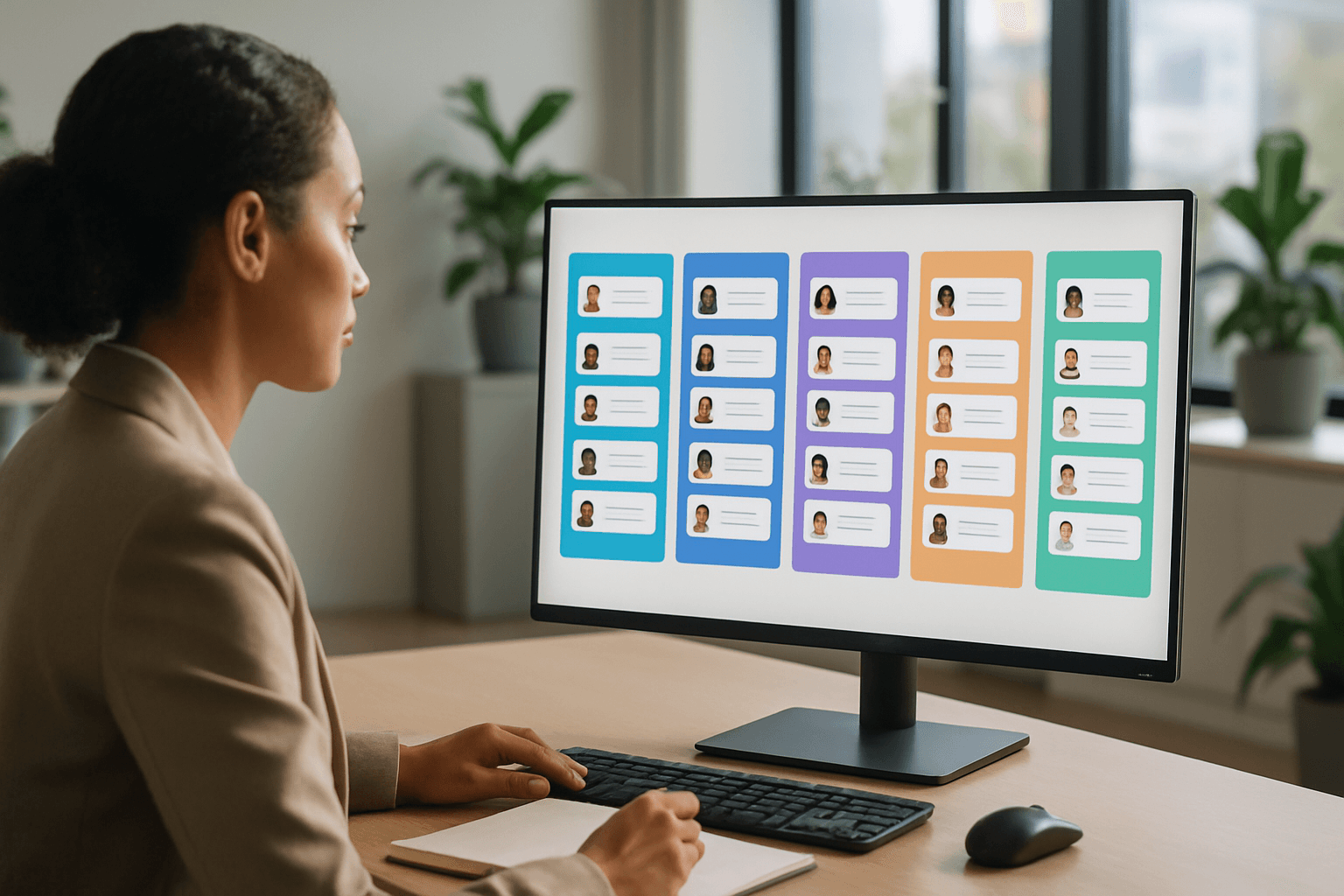
The ATS is the foundation. Everything else connects to it — or should. A good ATS gives you structured pipeline stages, collaborative scorecards, and reporting that lives next to the work, not in a quarterly CSV export.
Companies using structured ATS tools reduce time-to-hire by 40–50% on average. That's not a vendor claim — that's 44 days versus 22. In a competitive market, that difference is your top candidate versus someone who moved faster.
Pricing reality: $15–$150/user/month for SMBs. Enterprise systems (Workday, iCIMS) are custom-priced — typically $10K–$100K+/year. The sweet spot for growing teams is a purpose-built ATS rather than the HR module bolted onto a larger HCM suite.
What to look for:
- Configurable pipeline stages — your process isn't generic
- Structured interview scorecards — this is where bias creeps in when they're absent
- Integration APIs that connect to your HRIS, job boards, and assessment tools
- Native reporting — not an add-on, not a CSV export
Top picks: Greenhouse (enterprise), Workable (mid-market), Manatal (SMB/agency), HRmony (ATS + CRM combined, purpose-built for recruiters)
2. Candidate CRM (Recruiting Management System)
Best for: Building and managing your talent pool before you need it
Most teams confuse an ATS with a CRM. They're not the same thing.
An ATS manages active candidates in an open role. A recruiting management system (or candidate CRM) manages your relationship with everyone — including the silver medalists from your last round, the candidates you want to hire in six months, and the passive talent your sourcing team is warming up.
When anyone can reach the same candidates on LinkedIn, your competitive advantage is the relationship you built before the job opened.
- Candidate tagging and segmentation
- Email sequence automation
- Activity tracking (calls, notes, last contact date)
- Pipeline visibility by client or role (critical for agency recruiters)
Top picks: Recruit CRM (agency-focused), Beamery, HRmony (built-in CRM + ATS in one workspace — no integration required)

3. AI Sourcing Tools (Sourcing Tools for Recruiters)
Best for: Finding passive candidates at a scale humans can't match
This is the category that's changed most in the last two years. AI sourcing tools crawl professional networks, GitHub profiles, published papers, and job history to surface candidates who fit your criteria — and who aren't actively job hunting. That's the pool most companies can't reach on their own.
The honest caveat: 67% of HR professionals say AI helps eliminate unconscious bias — but documented AI bias incidents suggest the opposite when tools aren't audited. Use AI sourcing to expand your pool, not to automate your judgment.
- Boolean or natural language query capability
- GitHub/portfolio integration for tech roles
- Chrome extension for LinkedIn (still necessary in 2026)
- Personalized outreach automation — not mail merges
Top picks: Fetcher, Findem, SeekOut (enterprise-scale)
4. Recruitment Assessment Tools
Best for: Screening for actual skills before committing interview time
Here's a hard truth: most resumes are optimistic. A two-page PDF tells you where someone worked, not what they can do. Recruitment assessment tools let candidates prove their skills before you invest an hour of your hiring manager's time.
The ROI math is straightforward. A bad hire costs up to 30% of that person's first-year salary (U.S. DOL estimate). Assessment platform pricing runs $25–$500/month. One avoided bad hire often pays for a full year of tooling.
- A library of role-specific tests — not just generic IQ proxies
- Anti-cheating measures that don't make candidates feel like criminals
- ATS integration so scores live next to candidate profiles
- Structured scoring — not just pass/fail
Top picks: TestGorilla, Vervoe, Codility (engineering-specific)
5. Video Interviewing Platforms
Best for: High-volume screening without calendar chaos
Async video has become the default first-round format for a reason. Candidates record answers on their own time. You watch them in batches. You share the good ones with your hiring manager without scheduling six separate calls. Fewer no-shows. Faster time-to-screen. Hiring managers who actually show up having reviewed candidates. That's not nothing.
- One-way (async) and live modes in one platform
- Shareable question libraries across roles
- Collaborative review with scoring and commenting for hiring managers
- A candidate experience that doesn't damage your employer brand
Top picks: Spark Hire (7,000+ organizations), HireVue, Willo
6. Job Posting & Distribution
Best for: Multi-board reach from a single workflow
Posting to one job board in 2026 is like sending a cold email to one person. You need reach. Job distribution tools push your roles to dozens of boards simultaneously — Indeed, LinkedIn, Glassdoor, Adzuna, niche boards — from one dashboard. The better ones optimize spend, tracking which boards convert, not just which ones get clicks.
- Programmatic bidding (budget goes to where candidates convert)
- Board-specific formatting (each platform has different requirements)
- Analytics that connect source to actual hire — not just source to applicant
Top picks: Appcast, Broadbean, Joveo
7. SMS / Candidate Communication Tools
Best for: Actually reaching candidates
Email open rates in recruiting hover around 20–30%. SMS open rates: 98%. That asymmetry should inform your communication strategy. Candidates who ghost email will often respond to a text. Interview confirmations, scheduling links, offer status updates — moving these to SMS reduces no-shows and compresses your process.
- Two-way messaging — not just broadcast blasts
- Opt-in/opt-out compliance built in (GDPR, TCPA)
- ATS integration so conversations log automatically
Top picks: Sense, Grayscale, Text-Em-All
8. Career Site Software
Best for: Turning employer brand into inbound applications
Remote-capable roles receive 3x more applicants than in-office equivalents. Your career site is the top of your hiring funnel. A slow, generic, hard-to-navigate one is a leaky funnel — traffic arrives, nothing converts. 60% of candidates abandon an application that takes more than 15 minutes to complete.
- Mobile-first design — most applicants are on their phones
- Short apply flows — no forced account creation for first apply
- Culture and team content, not just job listings
- SEO optimization for role-specific searches
Top picks: Teamtailor, Recruitee, Ashby (careers module)

9. Best Tools for Remote Recruitment
Best for: Structured hiring across time zones and borders
Remote hiring adds friction that in-person hiring doesn't: scheduling across time zones, compliance with local labor law, background checks in foreign jurisdictions, international payroll. The best tools for remote recruitment address all of this — often in one platform.
58% of Americans now work remotely at least part-time (McKinsey). If you're not equipped to hire remotely, you're competing for a much smaller talent pool than you need to.
- International payroll/EOR (Employer of Record) support
- Localized background check integrations
- Timezone-aware scheduling
- Async-first communication (video, messaging, structured handoffs)
Top picks: Deel (international hiring + payroll), Remote.com, Multiplier
10. Analytics & Reporting Dashboards
Best for: Knowing what's actually working (and what isn't)
This is the category most teams under-invest in. Until it's too late. Without analytics, you're managing your hiring pipeline by feel. With them, you can see exactly where candidates drop off, which sources convert, how long each stage takes, and how your team is performing against targets.
The goal isn't dashboards for dashboards' sake. It's the ability to ask "why did we miss our Q3 hiring target" and get a data-backed answer — not a guess.
- Pre-built hiring funnel reports
- Source quality tracking (boards that produce actual hires)
- Time-in-stage breakdown by role and recruiter
- Customizable filters by role, team, department
Top picks: Gem, Visier (enterprise), most modern ATS platforms now include native analytics
How to Build Your Recruiting Tech Stack by Team Size
The right stack depends on where you are, not where the industry thinks you should be. Here's what actually makes sense at each stage.
Solo recruiter or small team (1–5 people)
Start with an ATS that also handles basic CRM. One tool, not seven. You don't have bandwidth to manage complex integrations — and you don't need them yet. Add a job distribution tool and a free or low-cost video screening option. That's your whole stack.
Growing TA team (5–20 people)
Now you can separate ATS from sourcing and CRM because you have people dedicated to each function. Add assessment tools for high-volume roles. Consider SMS outreach. Start tracking source quality in analytics.
Enterprise TA team (20+ people)
At this scale, every percentage point in pipeline conversion is worth tens of thousands of dollars. Invest in full analytics, structured assessment, career site optimization, and dedicated CRM for talent pool management. Standardize your stack across geographies and functions.
The honest question to ask before adding any new tool: "Will this replace something, or just add to the pile?"
4 Mistakes Recruiters Make When Choosing Tools
1. Buying too many tools that don't connect
Every disconnected tool creates a data transfer problem. You copy-paste between systems, candidate notes live in different places, and no one has a complete picture. The compounding cost is enormous and invisible — until you try to run a report.
2. Choosing for features, not workflow fit
A tool with 200 features used at 12% adoption is not better than a tool with 20 features at 90% adoption. Before buying: ask 'Will the people who use this every day actually use it?' Demo-to-reality gap is real and it costs real money.
3. Skipping procurement (IT, compliance, legal)
GDPR, SOC 2, data residency requirements, SSO mandates — these aren't nice-to-haves, they're blockers. Buying a tool that IT won't approve means starting over. Loop them in early, not after the contract is signed.
4. Not involving the actual recruiters
The decision happens in a leadership meeting. The recruiters who use the tool daily aren't in the room. The result is a 'best' tool that nobody uses because it was chosen based on slide decks — not on whether it fits the real workflow. Involve the end users before, not after.
One platform. ATS + CRM + AI — built for recruiters.
HRmony brings your ATS, candidate CRM, pipeline management, and AI-powered workflows into a single workspace. No integrations to maintain. No data silos. Just recruiting, faster.
See Pricing →FAQ: Best Recruiting Tools
What is the best recruiting platform overall?+
What AI tools are actually used in recruiting right now?+
Do I need both an ATS and a CRM?+
What are the best sourcing tools for recruiters?+
How do recruitment assessment tools work?+
What are the best tools for remote recruitment?+
How much do recruiting tools cost?+
Will AI replace recruiters?+
Further Reading
Martin Gordon
Co-founder & CEO, HRmony.ai
Martin has 15+ years in recruiting technology and talent operations. He co-founded HRmony.ai to give recruiters one workspace that actually fits how they work — without the seven-tab setup. About HRmony